Example
Modbus data acquisition
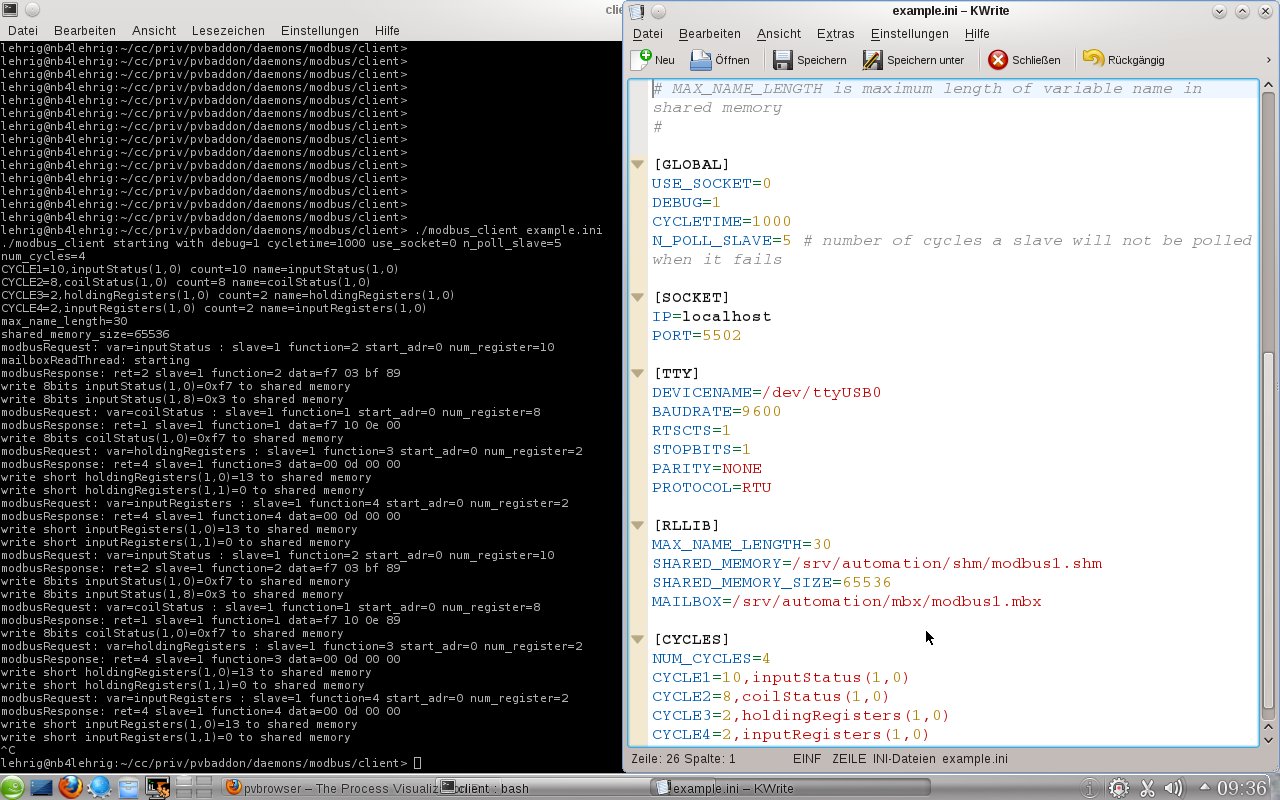
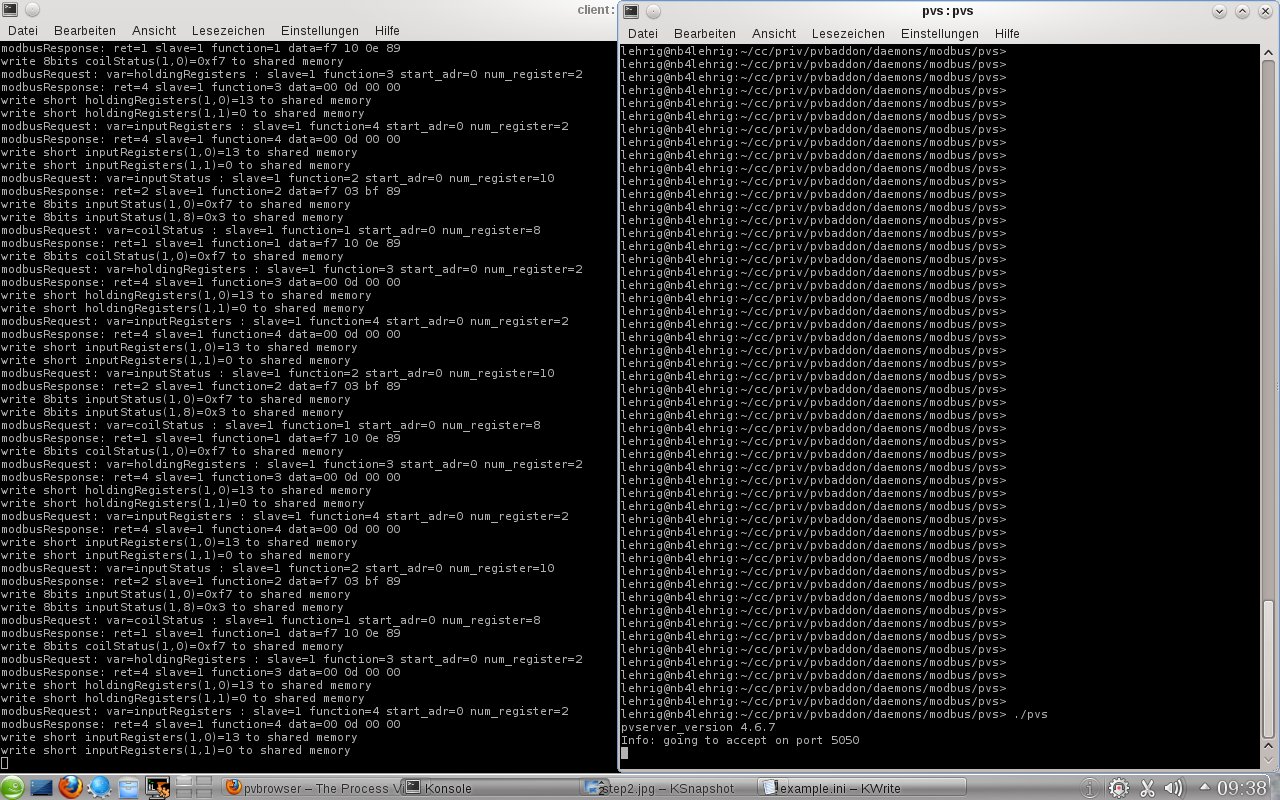
In pvbaddon/daemons/modbus/client/ you find a daemon for modbus that can be configured using an INI file. With USE_SOCKET=0 you will use modbus rtu over a serial line. If USE_SOCKET=1 you would use modbus tcp. Under [CYCLES] we define what we want to read from modbus. In this examples all cycles read from slave 1 and starting address 0. We read a number of 10, 8, 2 and 2 of the according data items.
Steps
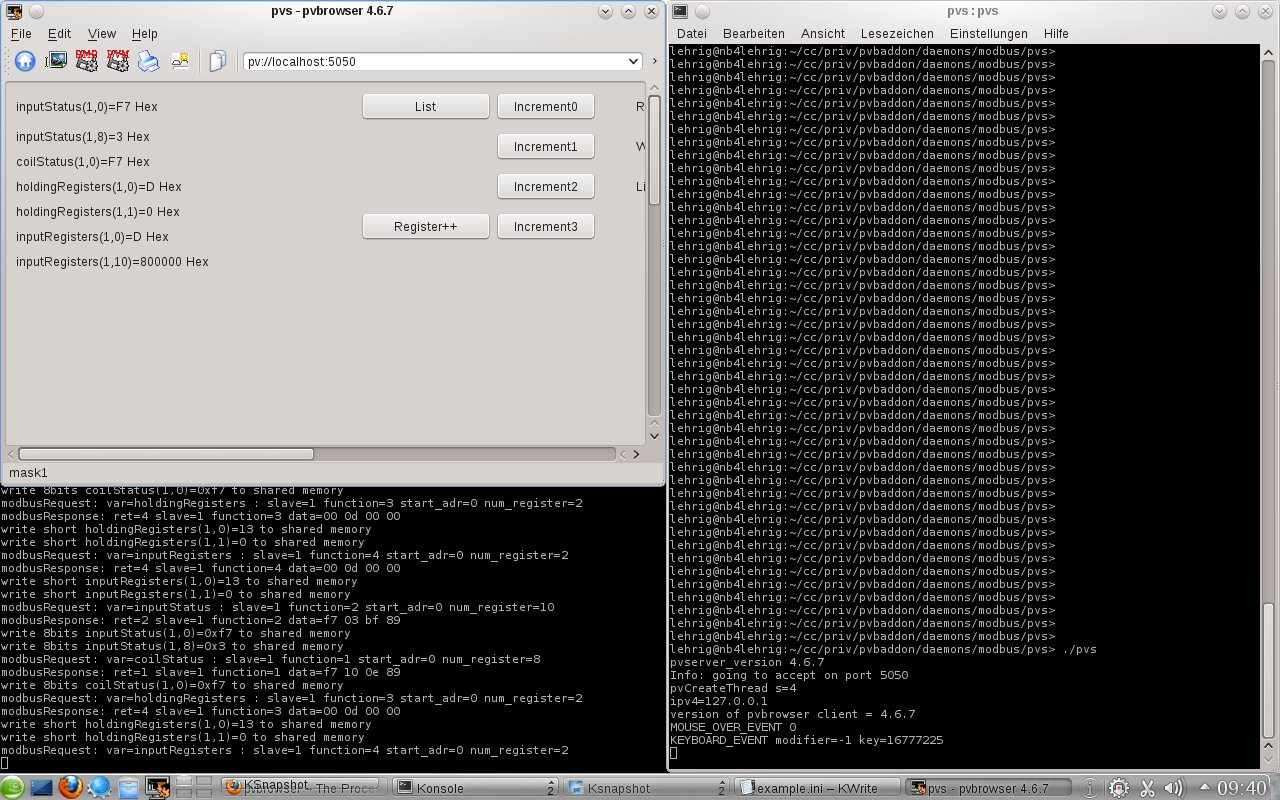
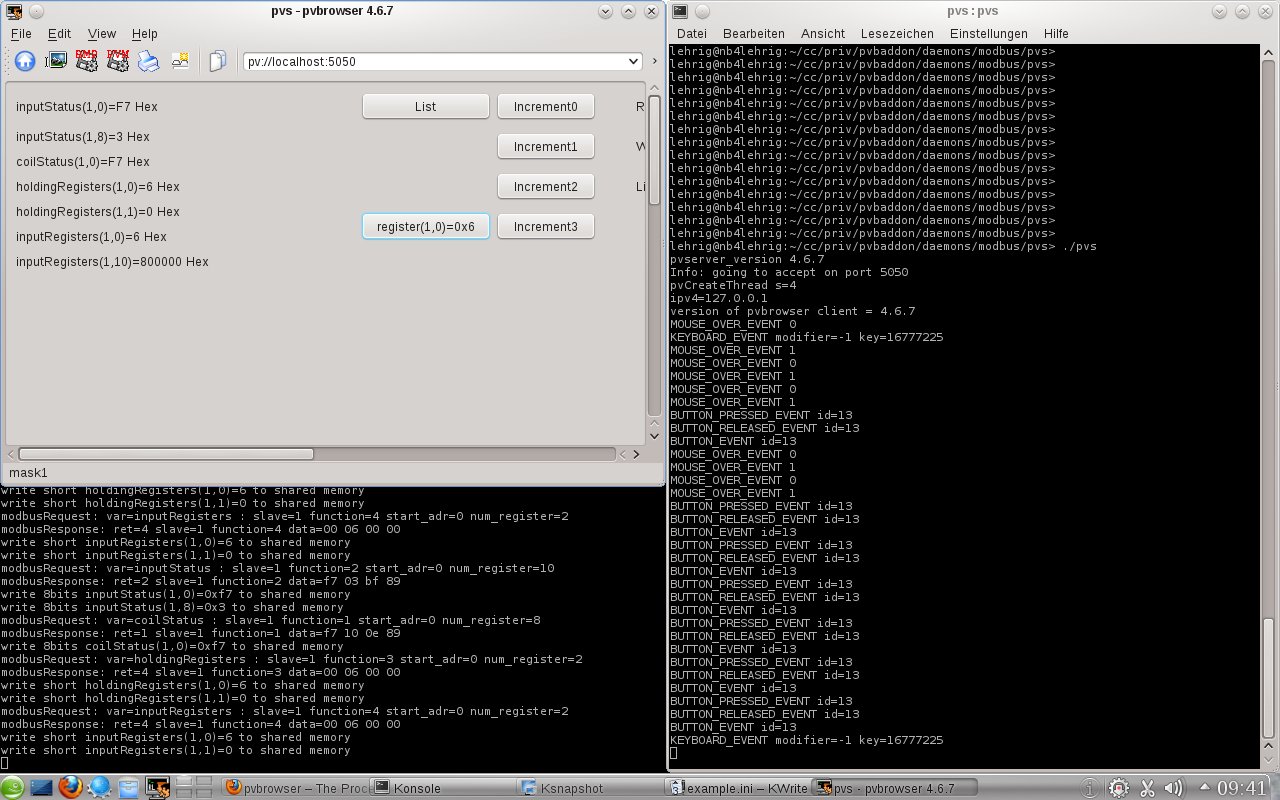
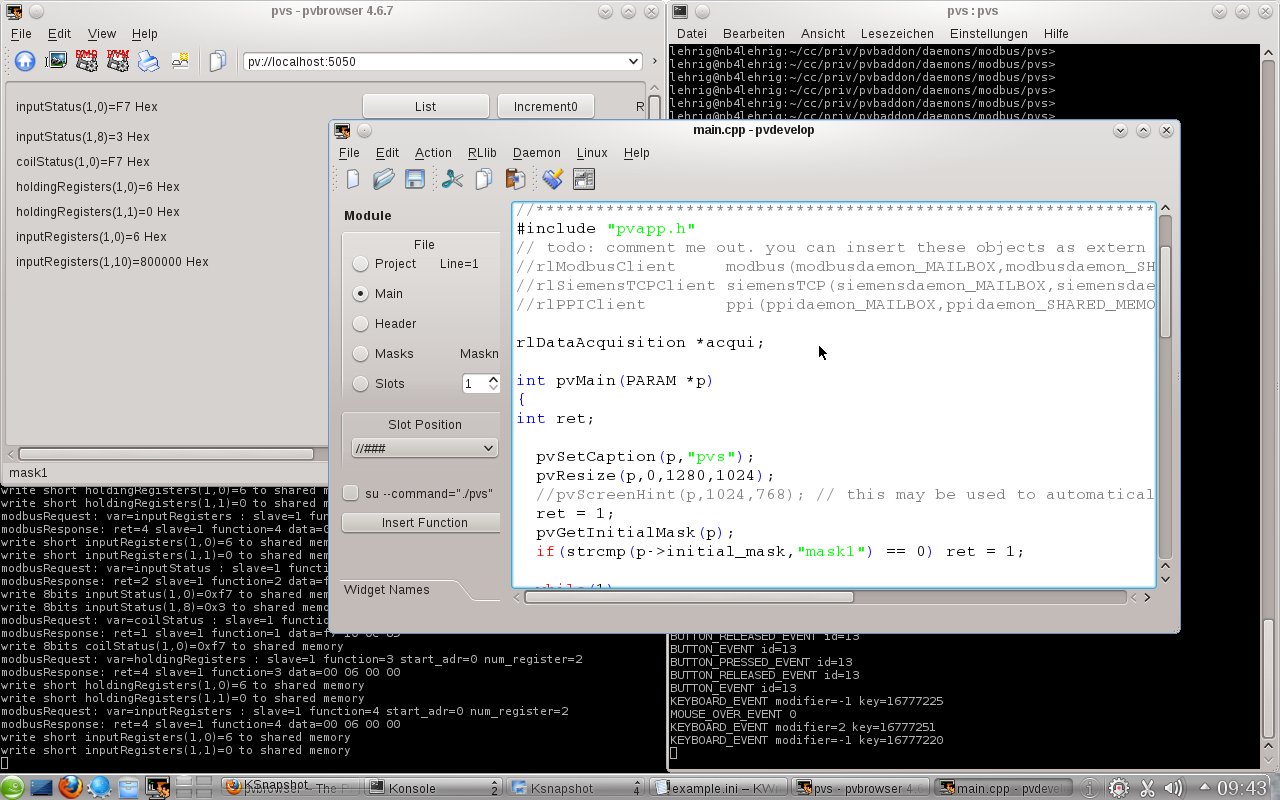
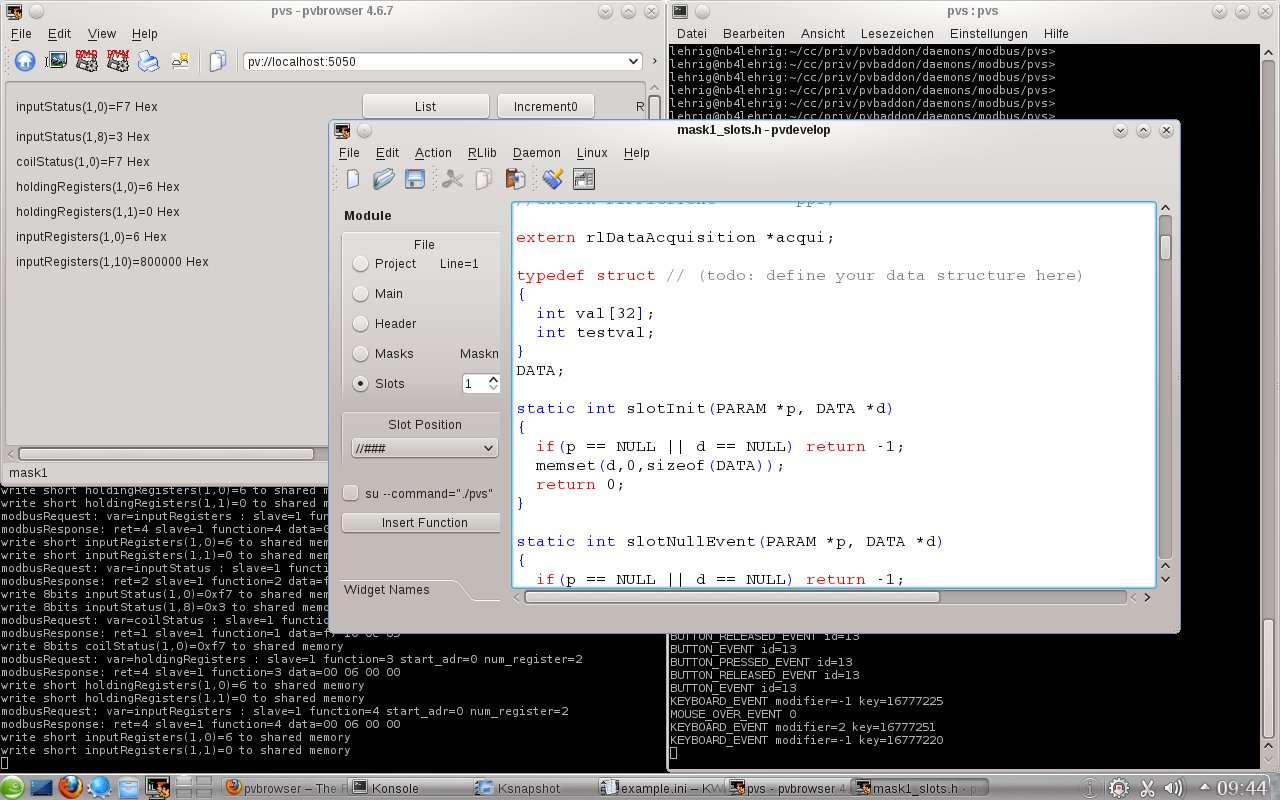
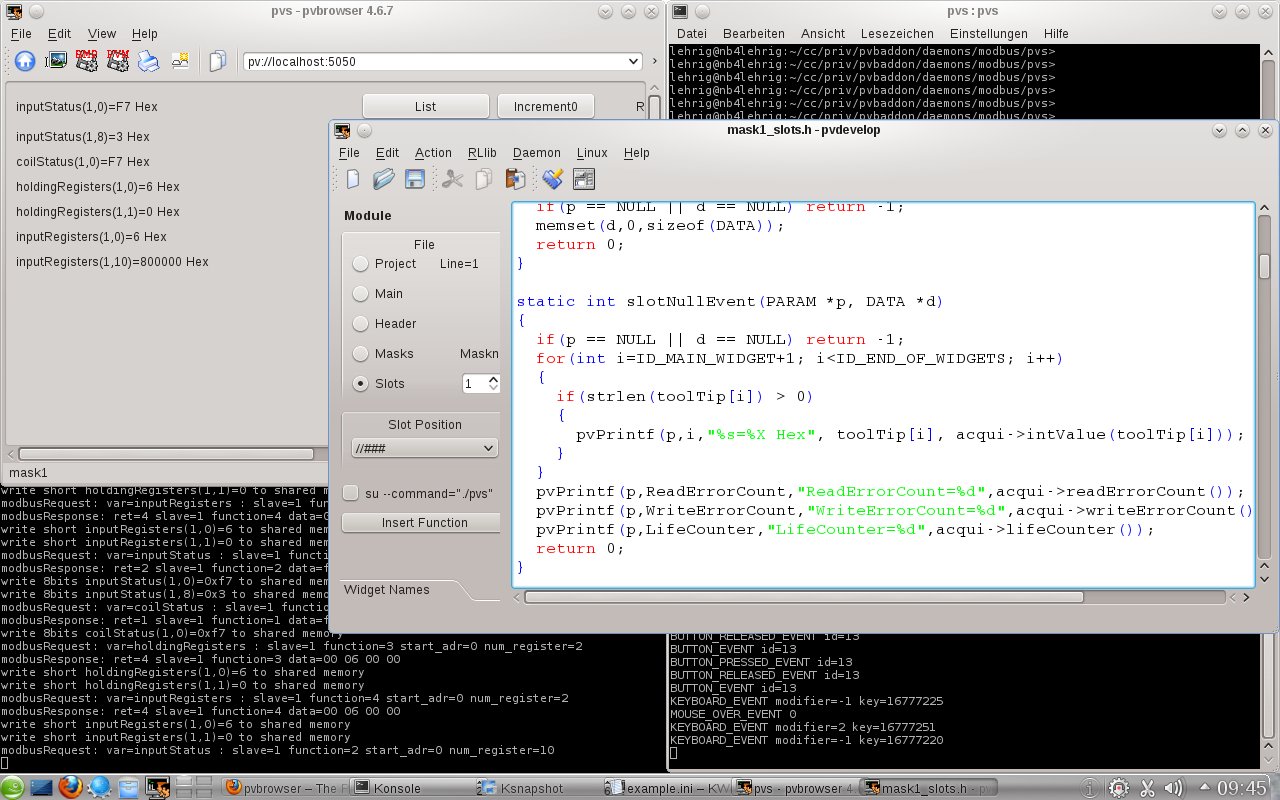
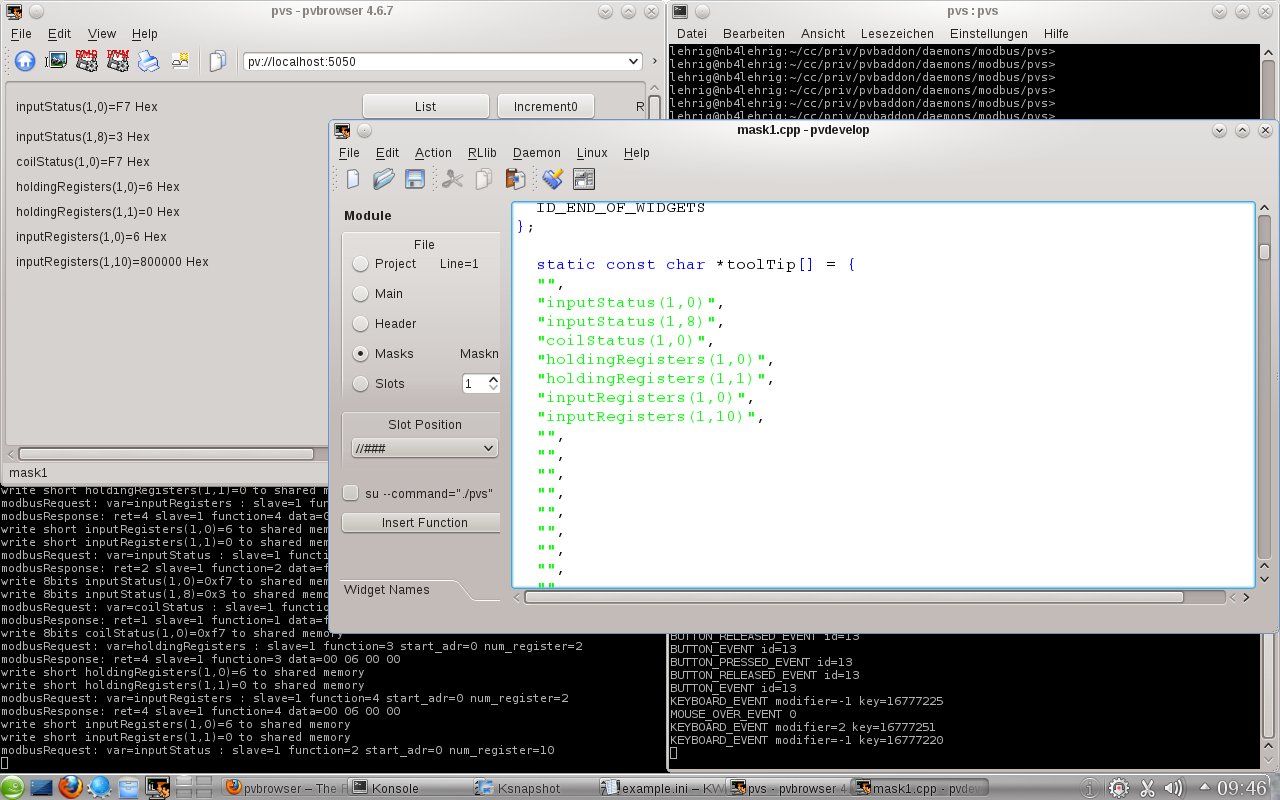
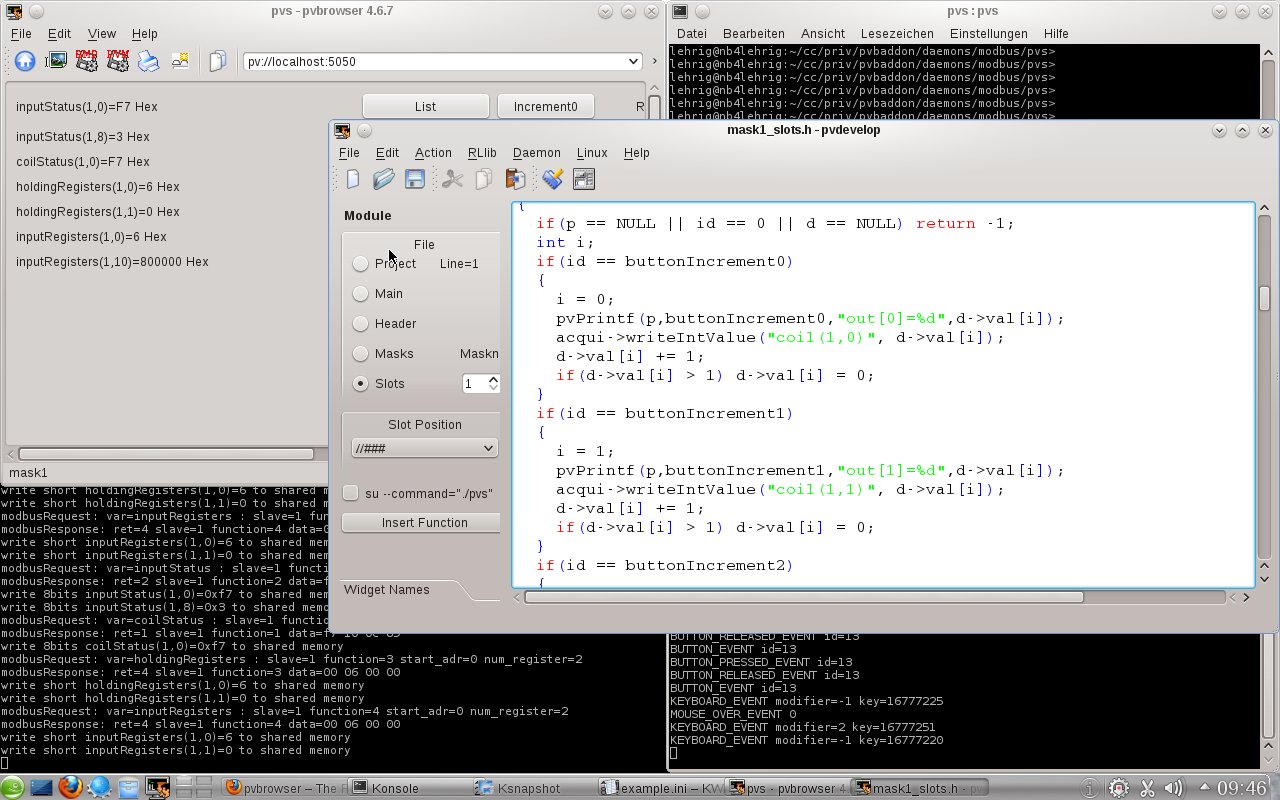
example.ini
# ini file for modbus_client # # USE_SOCKET := 1 | 0 # if 0 then USE_TTY # DEBUG := 1 | 0 # BAUDRATE := 300 | # 600 | # 1200 | # 1800 | # 2400 | # 4800 | # 9600 | # 19200 | # 38400 | # 57600 | # 115200 # STOPBITS := 1 | 2 # PARITY := NONE | ODD | EVEN # PROTOCOL := RTU | ASCII # CYCLE:= , # name := coilStatus(slave,adr) | # inputStatus(slave,adr) | # holdingRegisters(slave,adr) | # inputRegisters(slave,adr) # CYCLETIME in milliseconds # SHARED_MEMORY_SIZE must be equal to SHARED_MEMORY_SIZE of pvserver # MAX_NAME_LENGTH is maximum length of variable name in shared memory # [GLOBAL] USE_SOCKET=0 DEBUG=1 CYCLETIME=1000 N_POLL_SLAVE=5 # number of cycles a slave will not be polled when it fails [SOCKET] IP=192.168.1.100 PORT=502 [TTY] DEVICENAME=/dev/ttyUSB0 BAUDRATE=9600 RTSCTS=1 STOPBITS=1 PARITY=NONE PROTOCOL=RTU [RLLIB] MAX_NAME_LENGTH=30 SHARED_MEMORY=/srv/automation/shm/modbus1.shm SHARED_MEMORY_SIZE=65536 MAILBOX=/srv/automation/mbx/modbus1.mbx [CYCLES] NUM_CYCLES=4 CYCLE1=10,inputStatus(1,0) CYCLE2=8,coilStatus(1,0) CYCLE3=2,holdingRegisters(1,0) CYCLE4=2,inputRegisters(1,0)
Modbus register map
Within rlModbus all data addresses in Modbus messages are referenced to 0, with the first occurrence of a data item addressed as item number zero. Further, a function code field already specifies which register group it operates on (i.e. 0x, 1x, 3x, or 4x reference addresses).
0xxxx Read/Write Discrete Outputs or Coils.
1xxxx Read Discrete Inputs.
3xxxx Read Input Registers.
4xxxx Read/Write Output or Holding Registers.
Coil/Register Numbers |
Data Addresses |
Type | Table Name |
1-9999 |
0000 to 270E |
Read-Write | Discrete Output Coils |
10001-19999 |
0000 to 270E |
Read-Only | Discrete Input Contacts |
30001-39999 |
0000 to 270E | Read-Only | Analog Input Registers |
40001-49999 |
0000 to 270E | Read-Write | Analog Output Holding Registers |
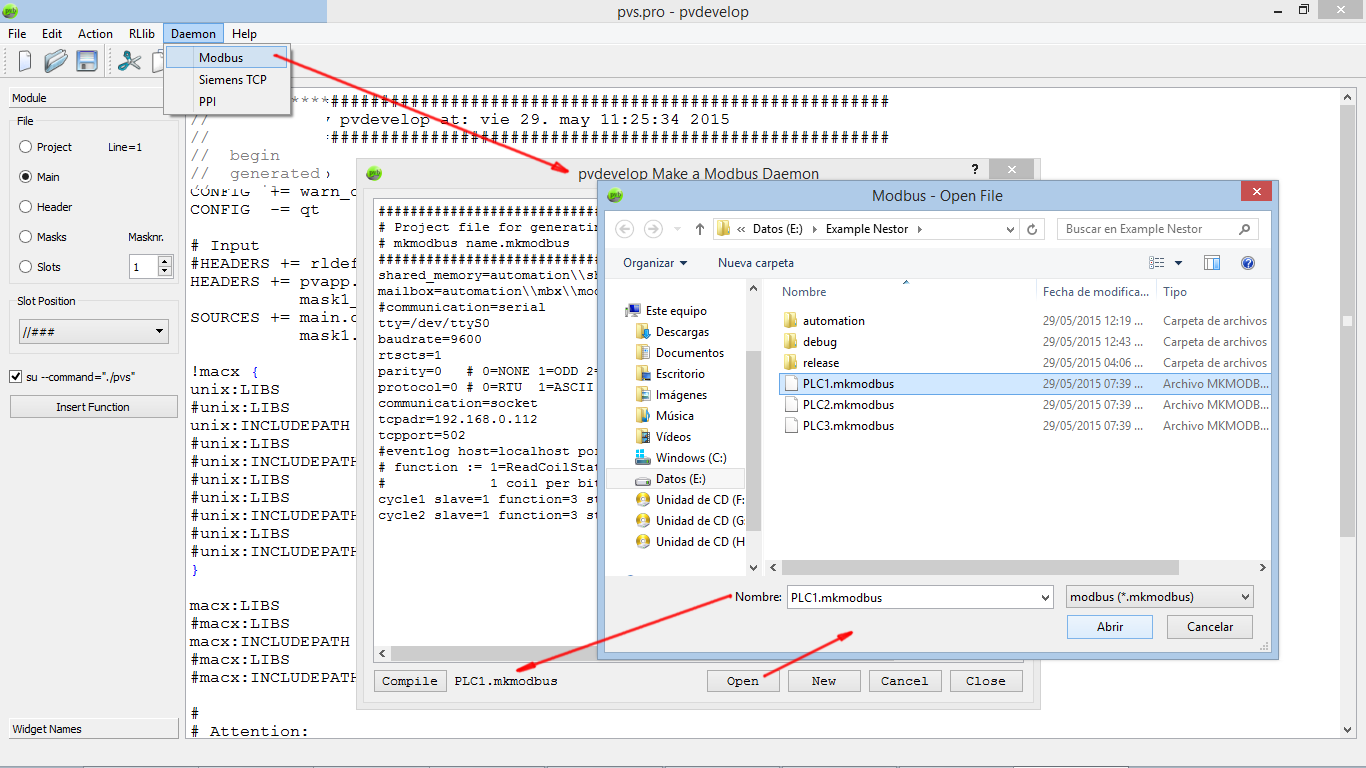
Creating multiple "modbusdaemon" from within pvdevelop
(Patch from Nestor Levi Palomeque is now included within binary packages)
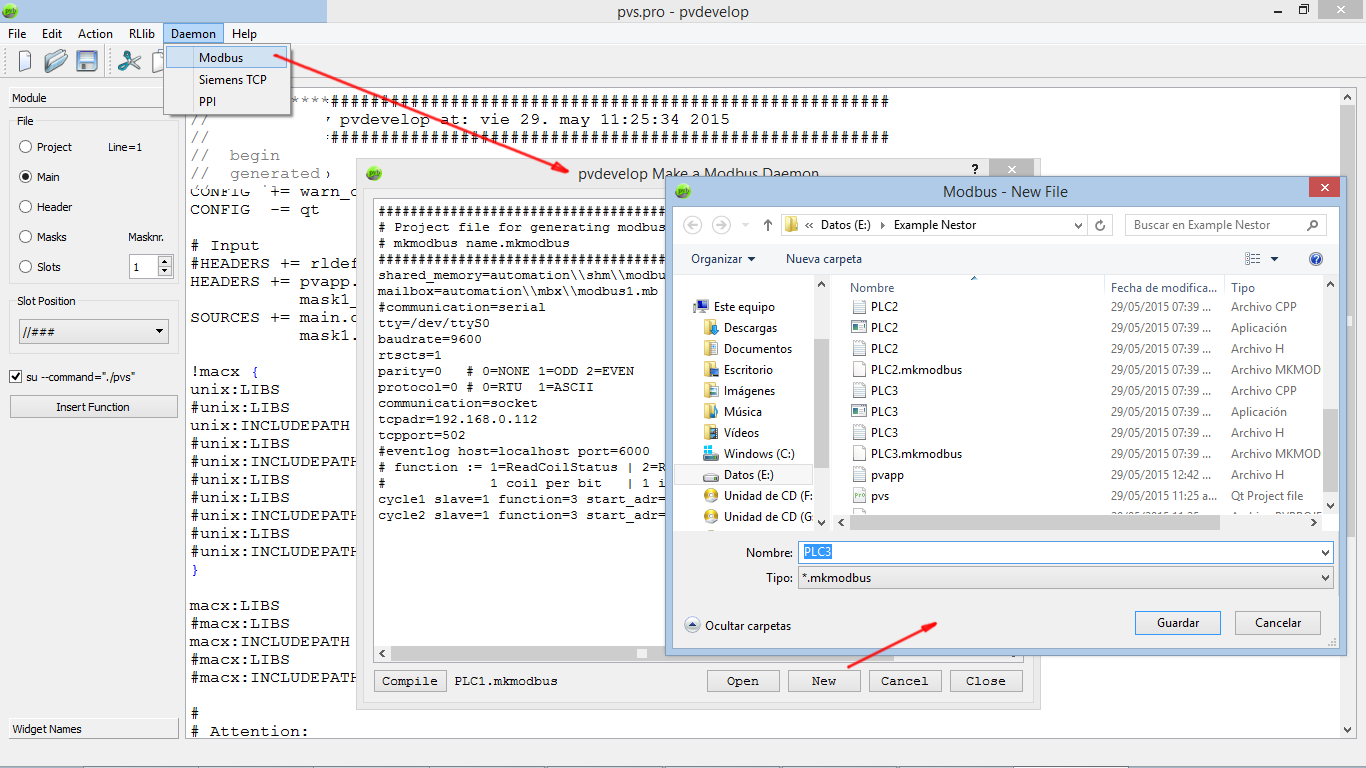
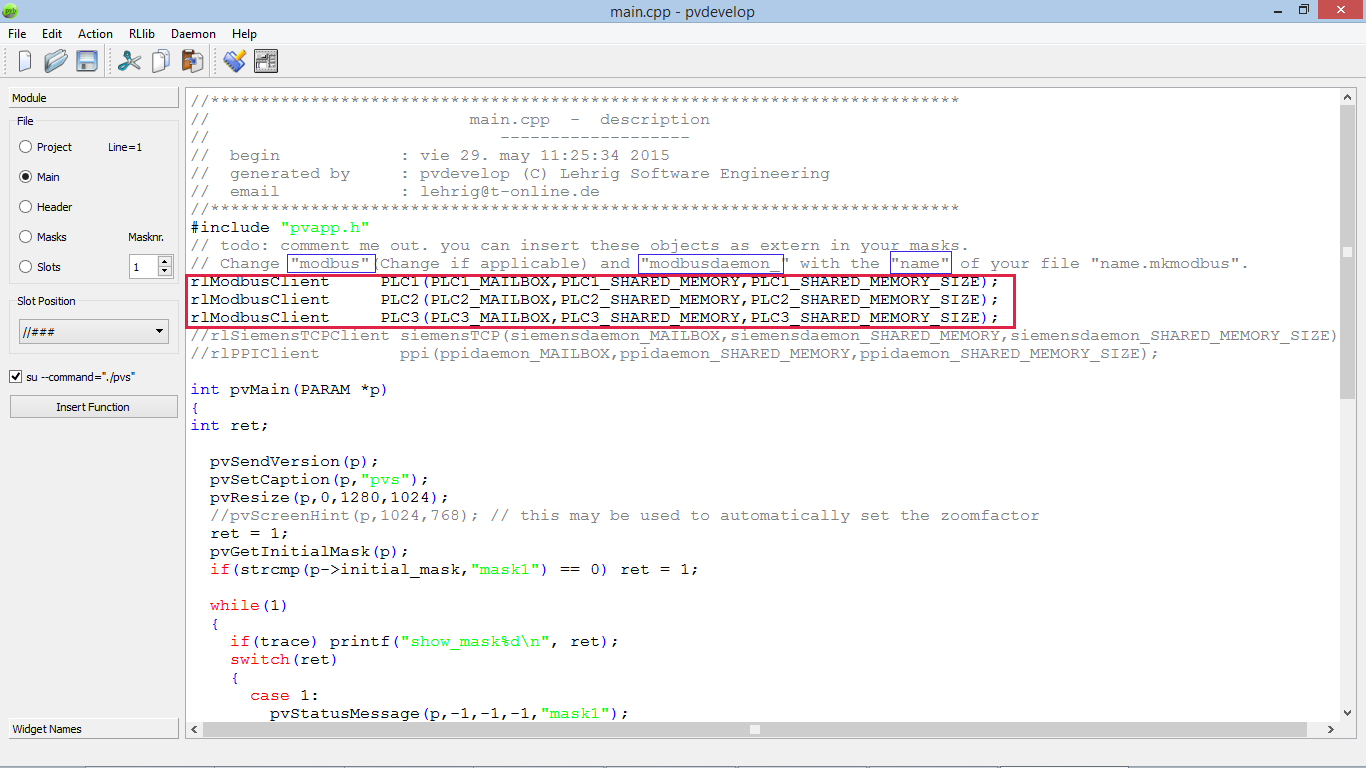
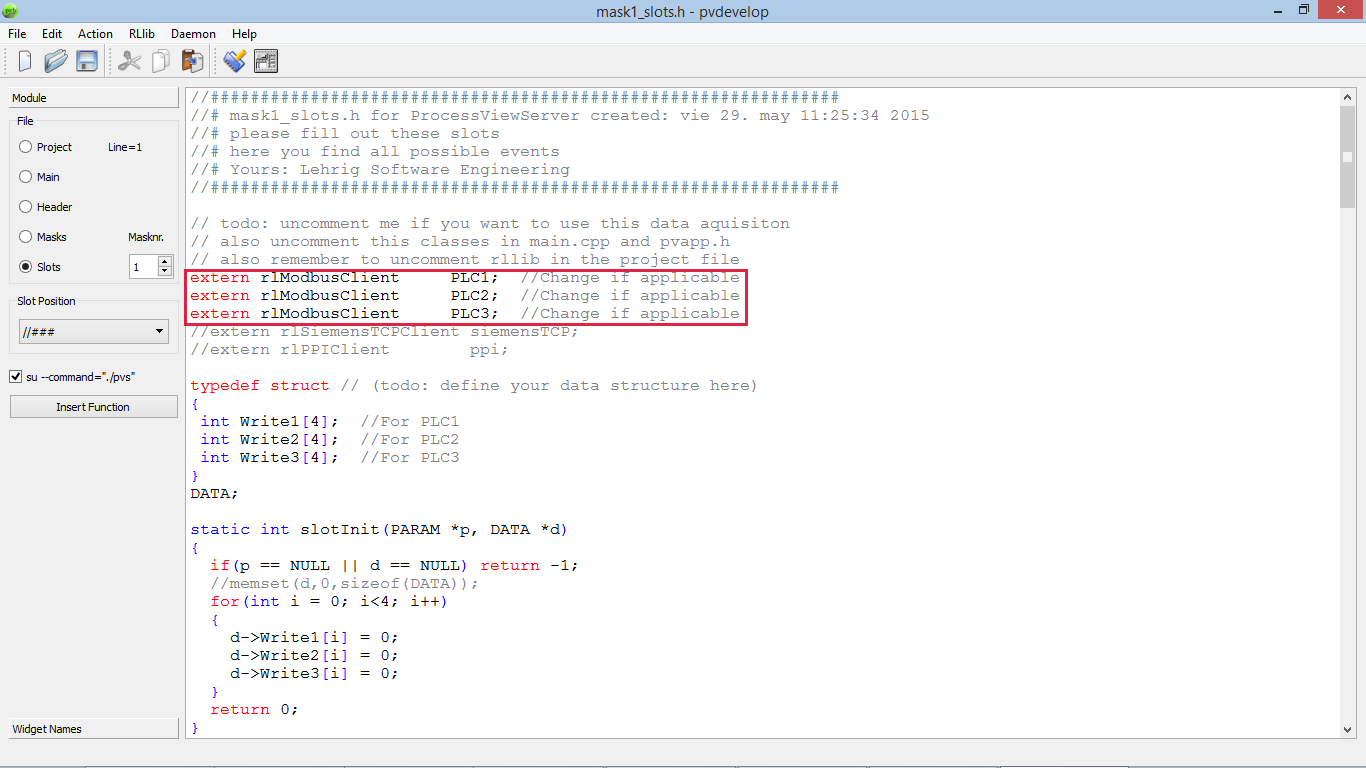
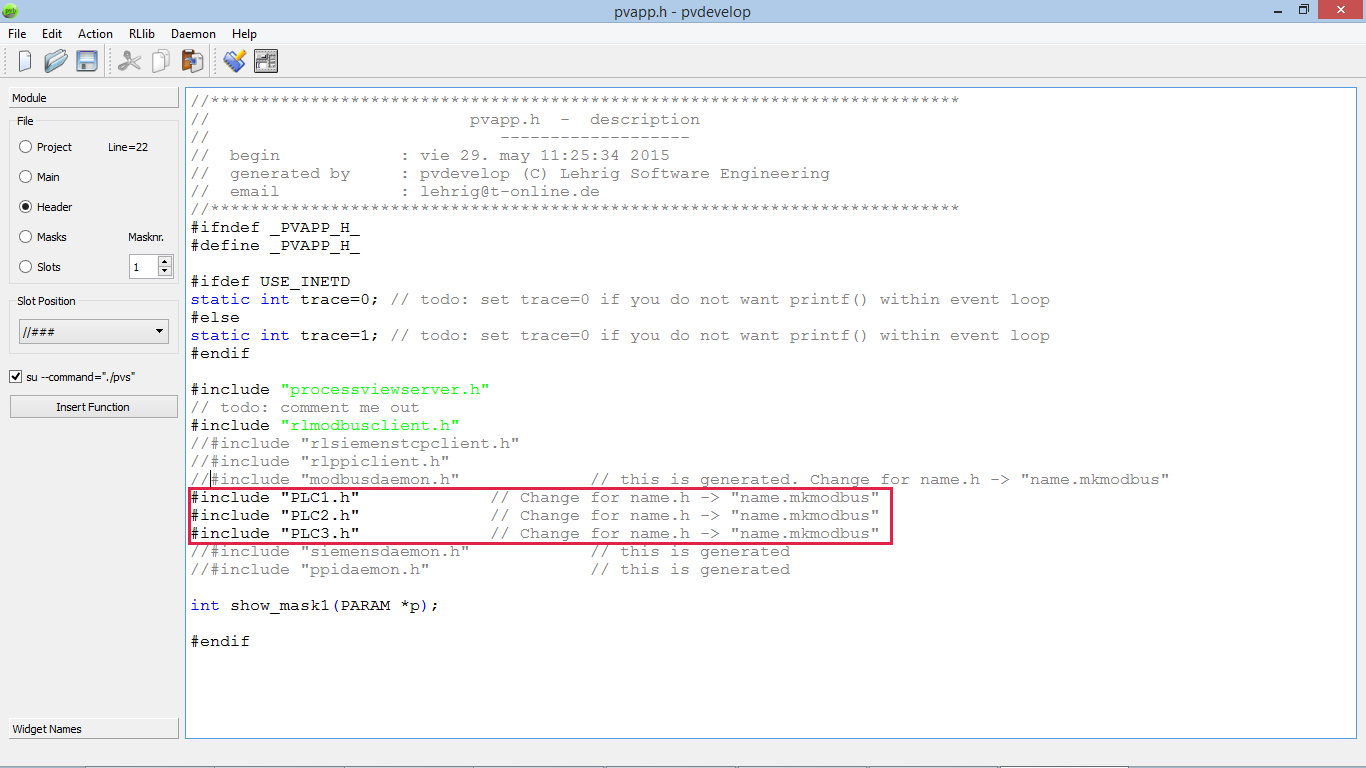
Creating multiple "modbusdaemon" from within pvdevelop is as always, but now there are two new buttons: "Open" and "New" for creating multiple Modbus connections. This has the advantage of being able to have simultaneous Modbus TCP connections and independent "shared memory" and "mailbox".
Also watch on youtube:
Testing multiple modbusdaemon (Modbus TCP) in PVBrowser 1/2.
Testing multiple modbusdaemon (Modbus TCP) in PVBrowser 2/2.
Steps